Premium playlist playback
for every screen.
Add your own M3U or M3U8 playlist, pair your TV, and enjoy a clean player experience across web, mobile, and supported TV devices.
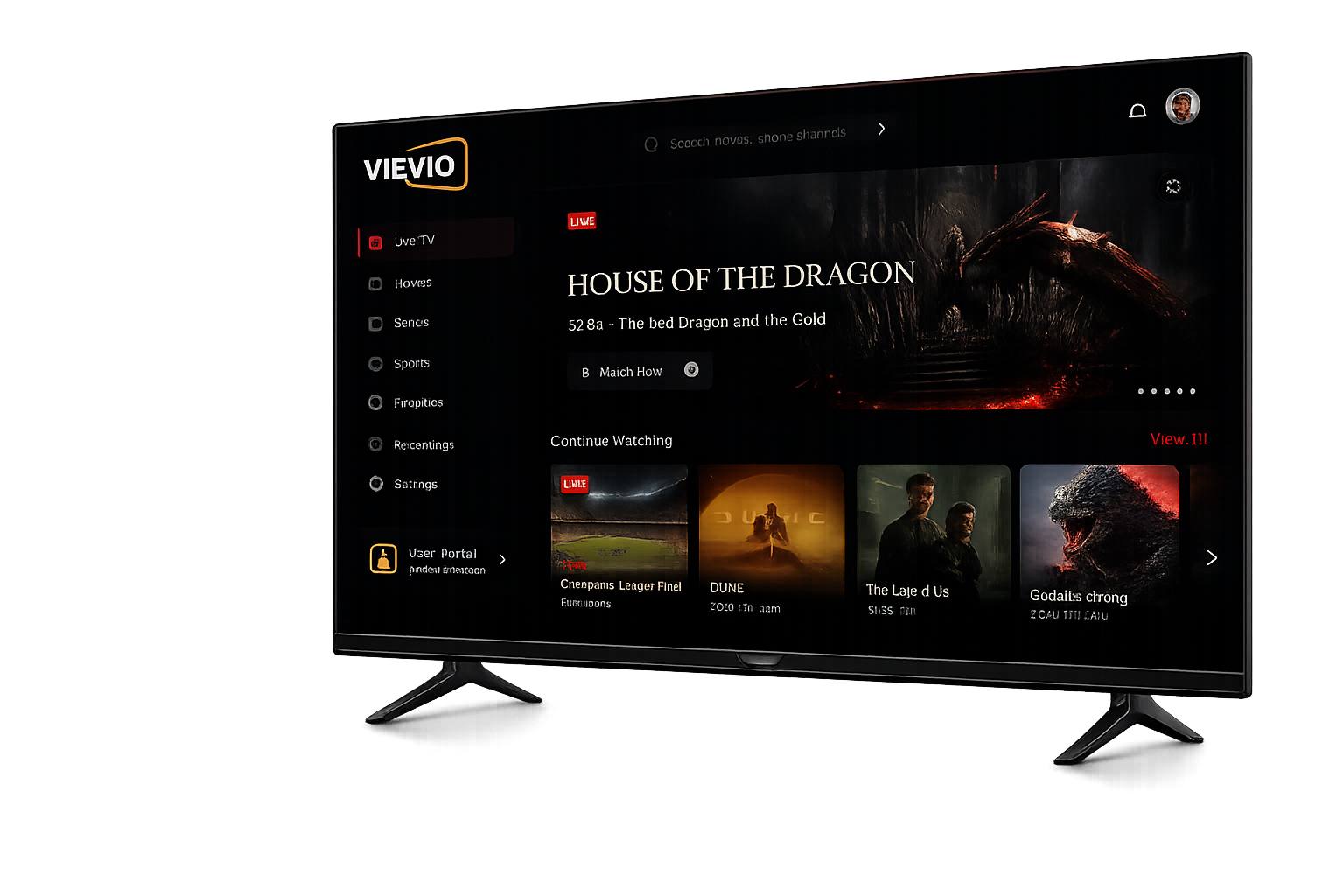
Everything needed
for clean playlist playback.
Vievio keeps your playlist experience simple, organized, and easy to use across the screens you already own.
M3U & M3U8 Playback
Add playlist URLs or upload supported playlist files from your own source.
TV Device Activation
Pair supported TV apps with your account using a simple activation code.
Fast Playlist Browsing
Search, open, and move through playlist items with a clean player interface.
Favorites & Recents
Save preferred items and continue from where you left off without searching again.
Optional EPG Support
Display guide information when your playlist source includes compatible EPG data.
Cross-Screen Experience
Use the same playlist setup and favorites across web, mobile, and supported TV apps.
From playlist to playback in minutes.
Create Your Account
Start with a Vievio account on web or inside a supported app.
Add Your Playlist
Paste your M3U/M3U8 playlist URL or upload a supported playlist file.
Pair Your TV
Open the TV app and connect it using the activation code.
Start Watching
Browse your playlist, save favorites, and play on your preferred screen.
Mobile & Tablet
Use Vievio on your mobile devices to enjoy easy playlist playback anywhere.
Web Browser
Open your user portal or player in any modern web browser on desktop or laptop.
Simple controls.
Faster access. Less confusion.
Open your playlist quickly, move around easily, and keep watching on TV or mobile.
Everything you save,
ready when you return.
Keep your favorite playlist items close and continue watching across supported devices.
Favorites
Save important playlist items.
Recently Watched
Jump back into your latest activity.
Playlist Sync
Keep your account experience connected across screens.
Manage playlists and
devices from one place.
The Vievio portal gives users a simple way to manage playlist access, paired devices, account settings, and support options.
No Hosted Media
Vievio does not host, store, or package media content. Playback depends on the playlist source added by the user.
No Built-in Channels
Vievio has zero preloaded channels, media packages or content. Bring your own legal sources.
Choose the access
that fits your setup.
Starter
For simple playlist playback on web and mobile.
- Account access
- M3U/M3U8 playlist support
- Web player
- Favorites
- Recently watched
- Basic support
Plus
For users who want activation and cross-screen playback.
- Everything in Starter
- TV device activation
- Playlist sync
- Account portal
- Support links
- Backend-managed notices
TV Pro
For big-screen playback across supported TV platforms.
- Everything in Plus
- Android TV support
- Samsung TV support
- LG webOS support
- Remote-friendly interface
- Fast playlist browsing
- Priority support option
Business
For teams, resellers, and branded access setups.
- Customer management
- Branding options
- Device management
- Activity logs
- Billing configuration
- Support workflow
Frequently Asked Questions.
Does Vievio include TV channels, movies, or live content?
No. Vievio is a player-only platform. It does not include, sell, host, or provide channels, movies, live TV, or media content.
What do I need to use Vievio?
You need your own M3U or M3U8 playlist URL, or a supported playlist file from a source you are allowed to use.
What formats does Vievio support?
Vievio is built for M3U and M3U8 playlist playback.
Can I use Vievio on TV?
Yes. Vievio is designed for supported TV platforms including Android TV, Samsung TV, LG webOS, Fire TV, and web browsers.
Does Vievio control playlist content?
No. Playlist content comes from the source added by the user. Vievio only provides the player interface.
Is Vievio an IPTV provider?
No. Vievio is not an IPTV provider. Vievio is a playlist player for user-added M3U and M3U8 sources.